Introduction & System Overview
Welcome to the Service Flow and Approvals training center. This step-by-step tutorial will help you understand how tasks are created, configured, approved, and tracked inside the portal.
What is a Service Flow?
A Service Flow is a sequence of steps designed to complete a specific task or service (such as registering a customer, checking credit scores, installing fiber lines, or approving documents). Each step must be completed and approved in order, ensuring compliance and quality check at every stage.
How the System Works
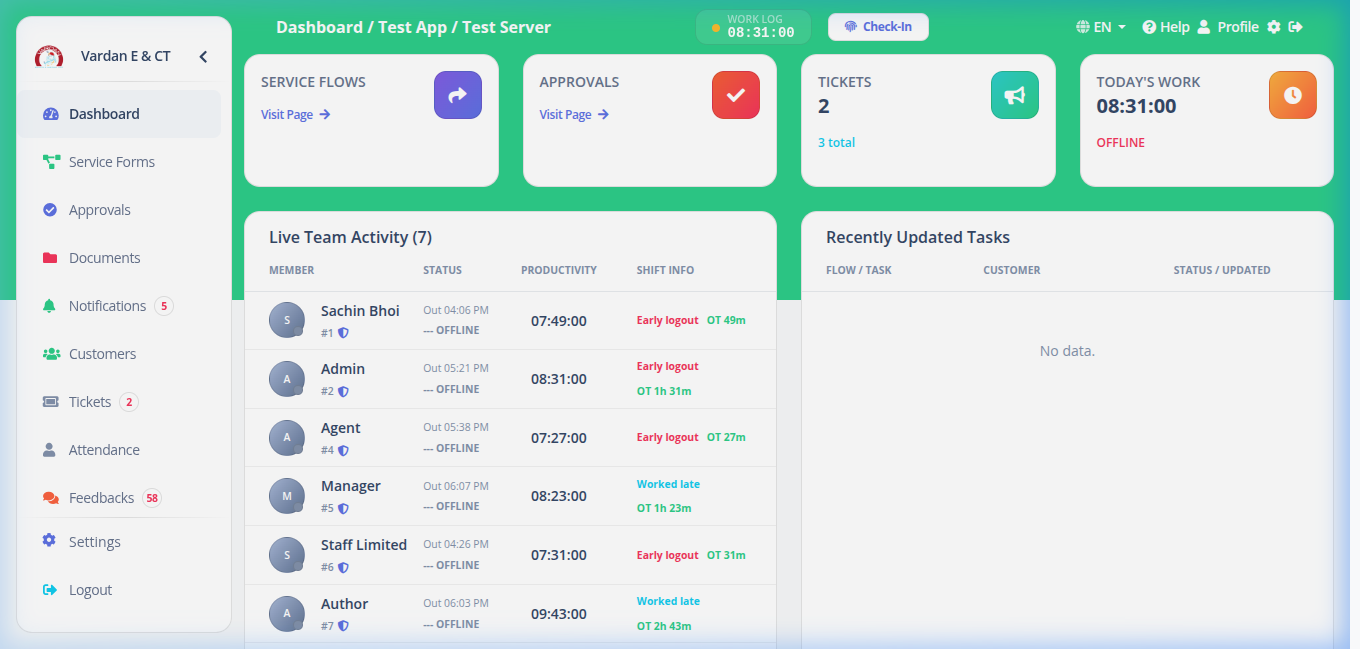
The Service Flow system connects authors (who start requests), field agents (who collect data), customer details, and manager reviews in one simple pipeline.
-
1
Start a Request (Create Instance)
An Author starts a request using a pre-defined layout template (e.g., "Residential Fiber Installation" or "Credit Card Application") and assigns a Customer and an initial Reviewer.
-
2
Fill in Data (Steps & Fields)
At each step, users input specific information (like ID numbers, upload notes, or speed test results). The system checks if fields are required and validates the format.
-
3
Submit & Review (Approval Chain)
After entering the data, the request is sent to the assigned Approver. The approver can approve (sending it to the next step) or reject (reverting the workflow back to a previous stage to fix details).
-
4
Track History (Audit Trail)
Every single detail—such as fields changed, comments added, steps rejected, or requests delegated—is logged in the Activity History tab for accountability.
Roles and System Actors
Permissions are strictly regulated based on your user profile. The system recognizes three primary actors:
- Staff / Author: Initiates requests, uploads documentation, fills custom fields, and handles data corrections when steps are rolled back.
- Approver: Reviews data submitted by the Author, adds review notes, signs off on steps, or rejects them back to prior stages.
- Manager / Admin: Controls the structural design (Templates), has master credentials to delete or force-expire stale tasks, and manages overall system configurations.
Actions & Button Visibility Conditions
Buttons appear in the interface dynamically, depending on the status of the workflow and your current assignment. Here is the operational logic: